
JWildfire is the spiritual successor of the award winning image-processing software Wildfire\7PPC for the Amiga. But, this time implemented using a high-level language (Java), with a more sophisticated user interface, and much more cool effects, and flame fractals 🙂
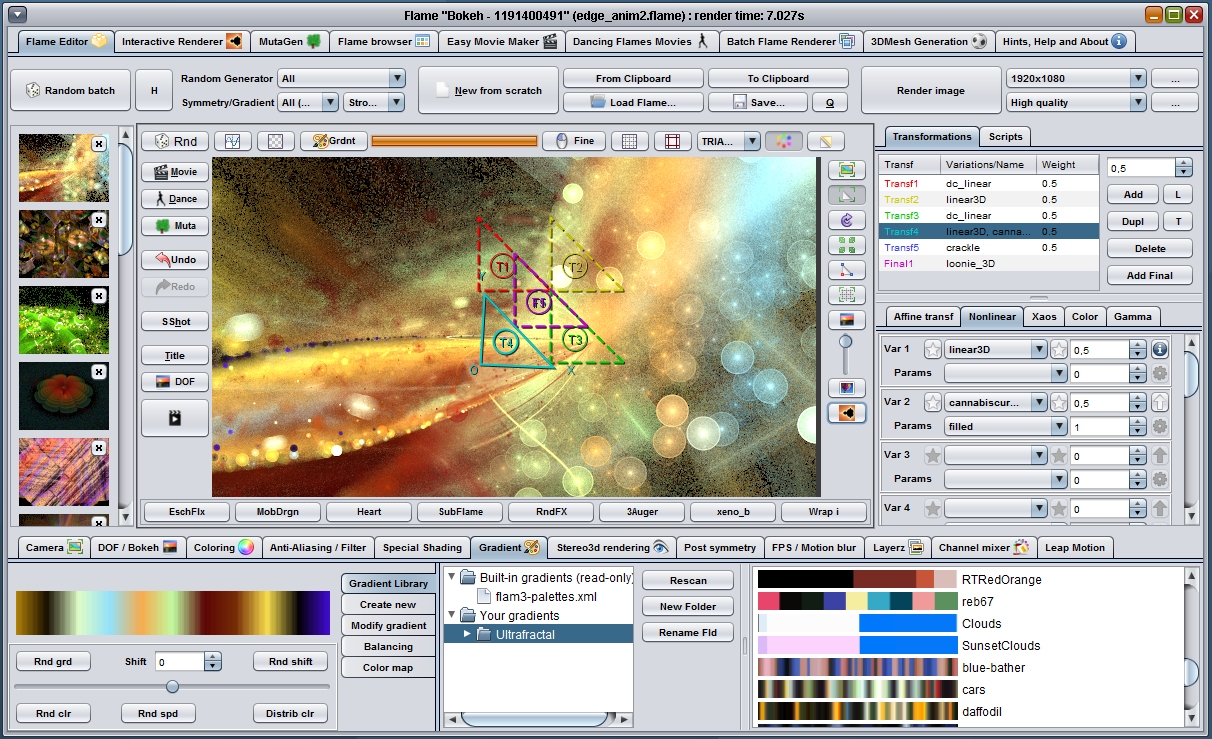
Flame fractals
The currently most complete feature is the flame fractal module called TINA (“TINA” is a recursive acrononym and does mean “TINA is not Apophysis”).
Backed up by JWildfire’s image-processing-capabilitie, TINA is the most powerful and versatile flame fractal software available, and additionally it runs on nearly any platform.
TINA features an powerful and intuitive editor, a simple-to-use morphing-based animation-editor, motion-blur, freely editable motion-curves for almost any property, a gradient-editor, a module were you can create sound-synchronized flame fractal -movies, and much more.
Downloads
You can download the latest binaries right here at this site, where the source code is hosted a GitHub.
Community
To report any bug reports or get in touch with the community feel welcome to visit the official forum at http://jwildfire.org/forum/
Feel welcome to join us at Facebook http://www.facebook.com/groups/JWildfireOpenGroup/ were you can find the major part of our community 🙂
If you prefer Google+ over Facebook, feel welcome to join us as https://plus.google.com/u/0/communities/118391398023168606746 🙂
Key Features of JWildfire:
- contains the most complete and versatile Flame fractal editor available
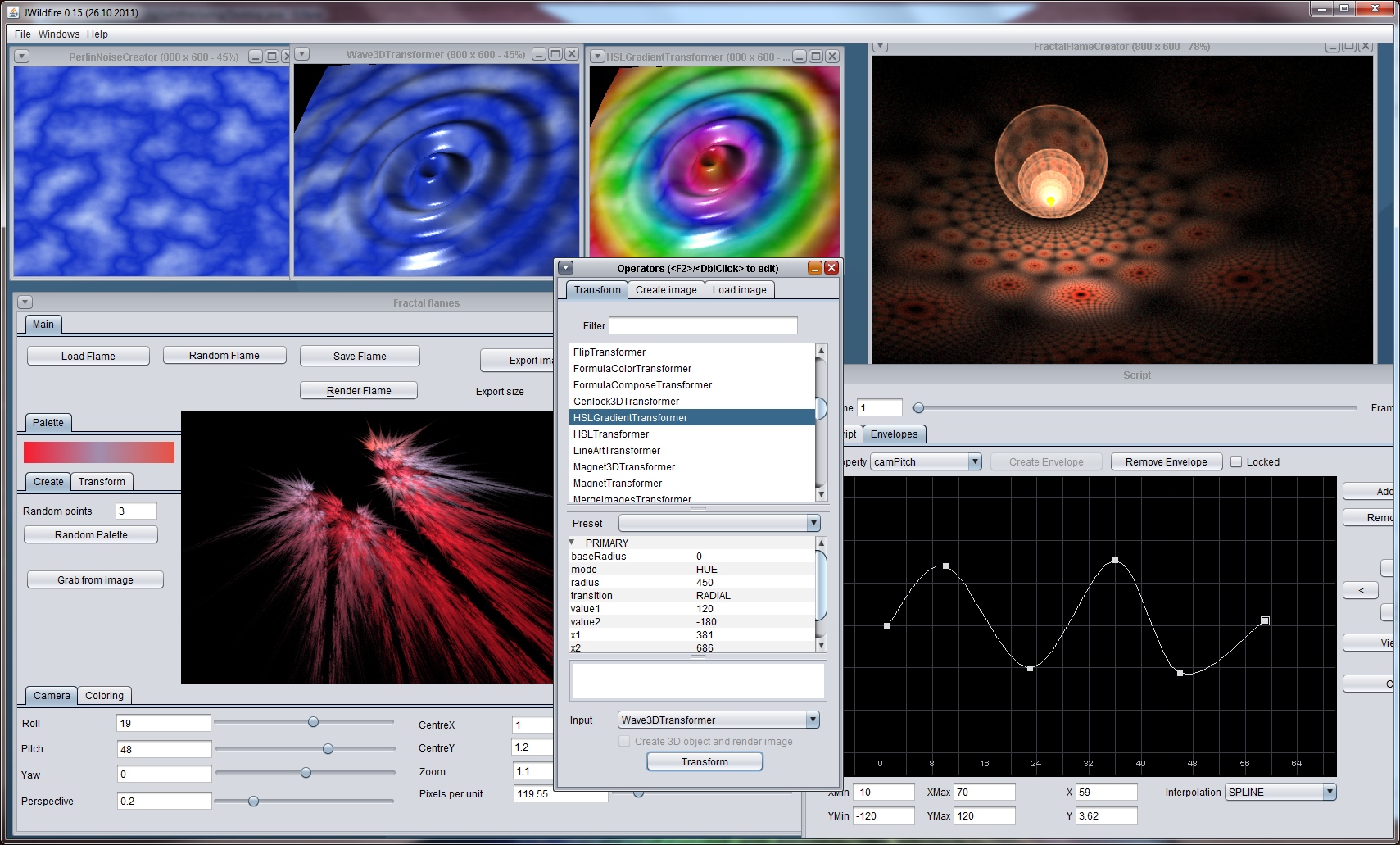
- stunning 3D effects (such as wave3D, water, twirl3d, …)
- 3D effect superimposition (e. g. wave3D interference)
- image composition (layers, even for HDR images)
- image generators (perlin noise, cloud generator, plasma, …)
- many “common” image processing effects in 2D (such as twirl, erode, convolve, …)
- simple, powerful and visual appealing graphical user interface
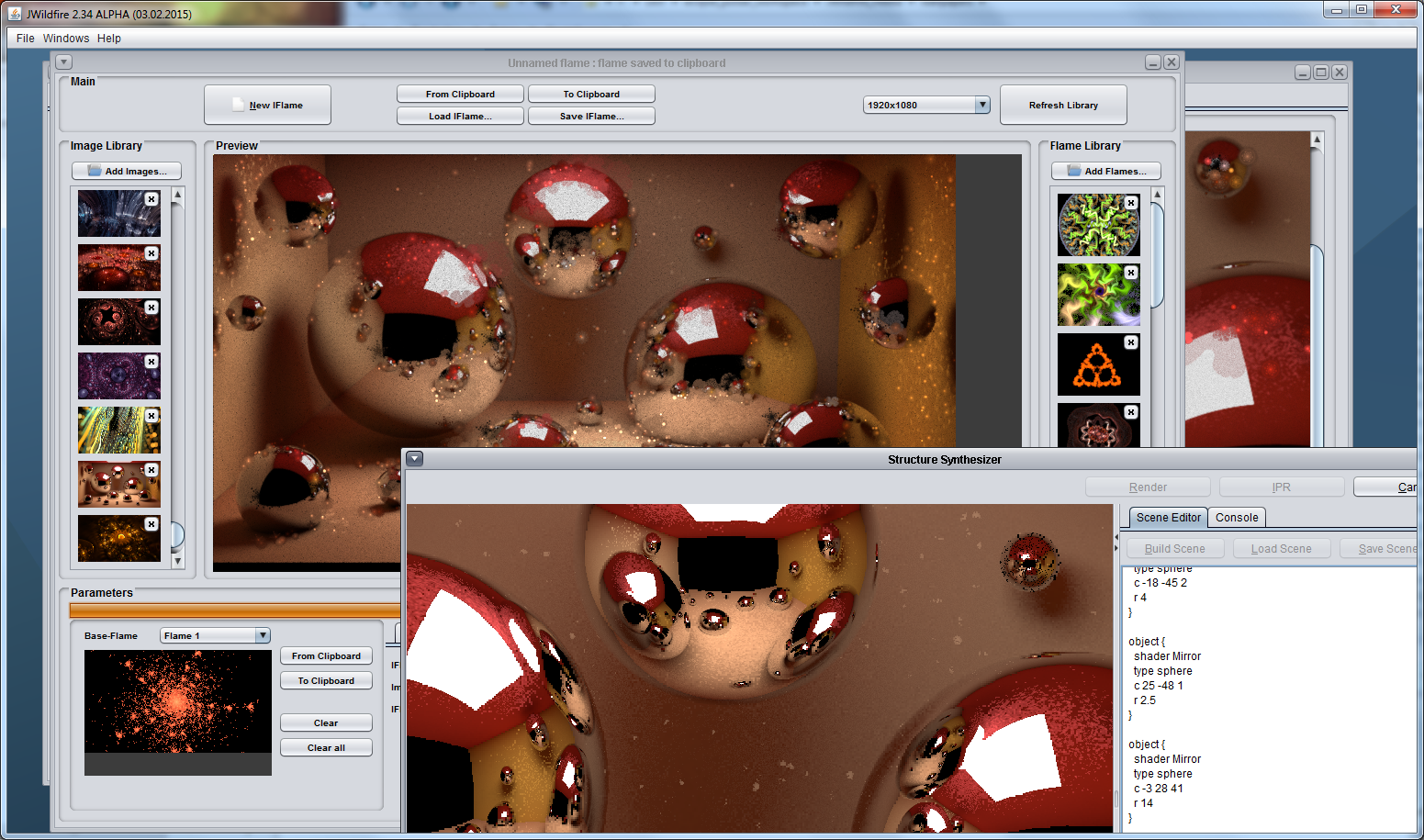
- Sunflow renderer integration for high quality rendering (experimental)
- robust and object-oriented software-design, easy to extend
- runs on any major platform which features a Java runtime (does not mean that you need a Java plugin for your Web browser)
Performance
JWildfire is optimized using the YourKit Java Profiler. YourKit is kindly supporting open source projects with its full-featured Java Profiler. YourKit, LLC is the creator of innovative and intelligent tools for profiling Java and .NET applications. Take a look at YourKit’s leading software products: YourKit Java Profiler and YourKit .NET Profiler.